Approve in one tap
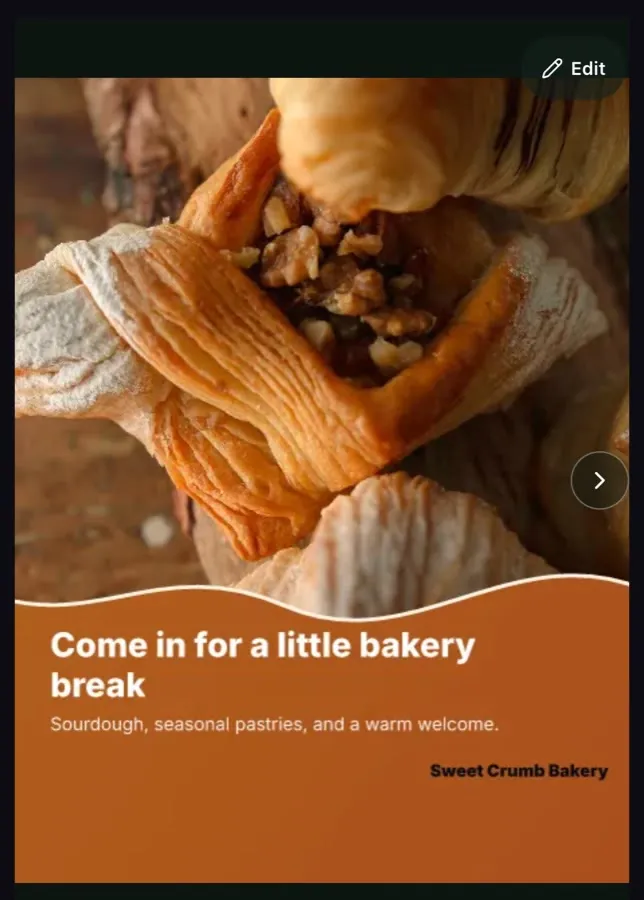
Each post arrives finished: the design, the caption and a version for each channel. Read it, then choose Reject, Queue for review, or Approve & schedule.
Ember Social for iPhone and Android
Ember Social makes finished social media posts from your own photos. The app puts them in your pocket: look each one over, fix a word, approve it in one tap and see what goes out this week. Free on the App Store (“Ember Social for Business”) and Google Play (“Ember Social”).
Both apps are free to download. You need an Ember Social account to use them, and accounts are set up on the web.
In the app
Each post arrives finished: the design, the caption and a version for each channel. Read it, then choose Reject, Queue for review, or Approve & schedule.
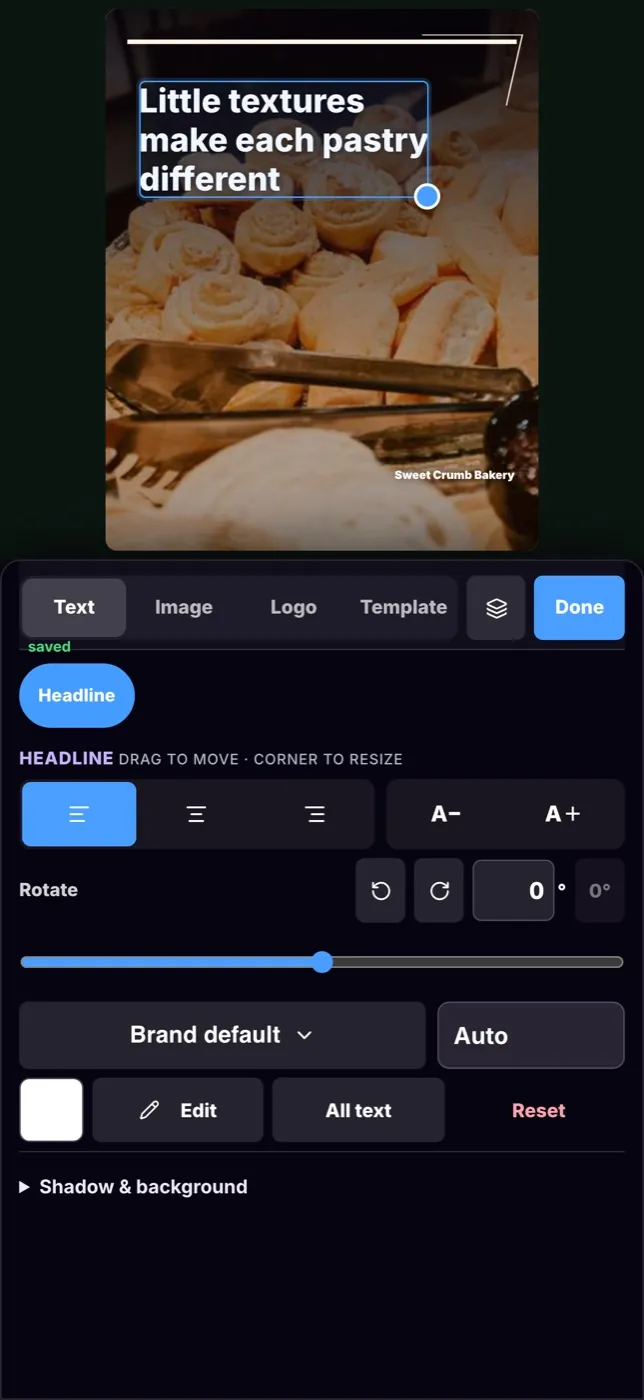
Tap a headline to change its words, move or resize text, or replace the photo with another one of yours. Your colors, fonts and logo stay in place.
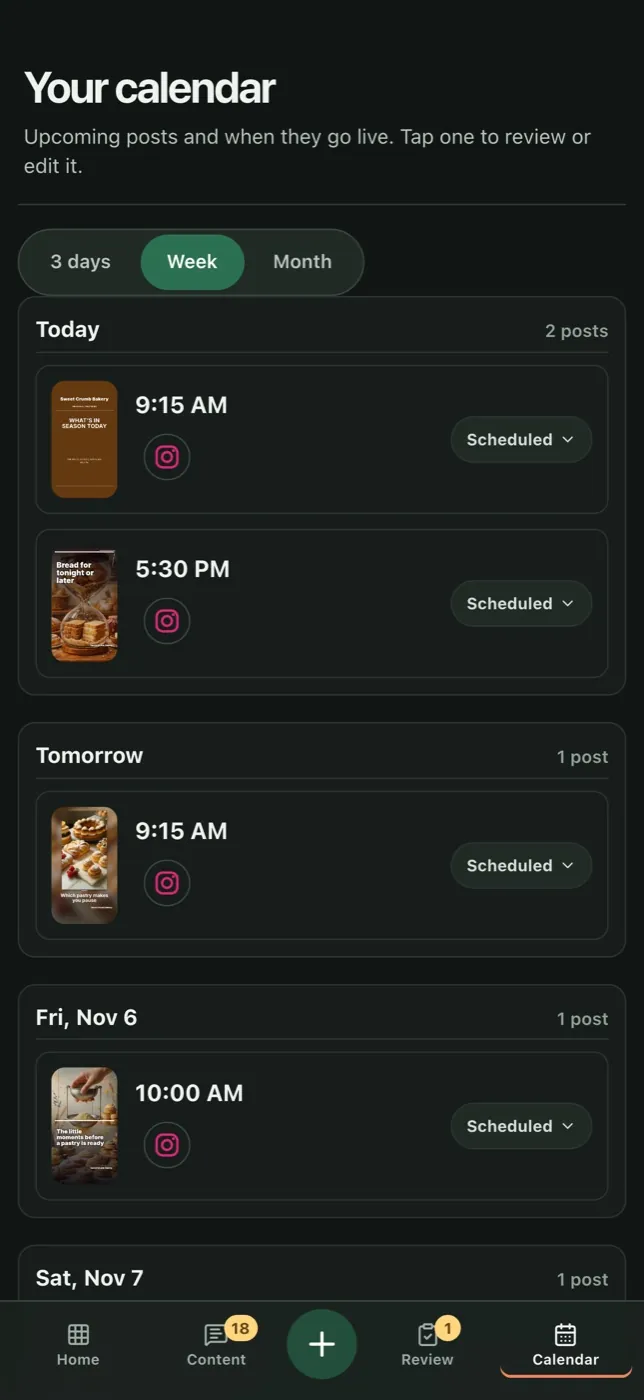
Approved posts land on the calendar with their time and channel. Open any post to look it over again or move it.
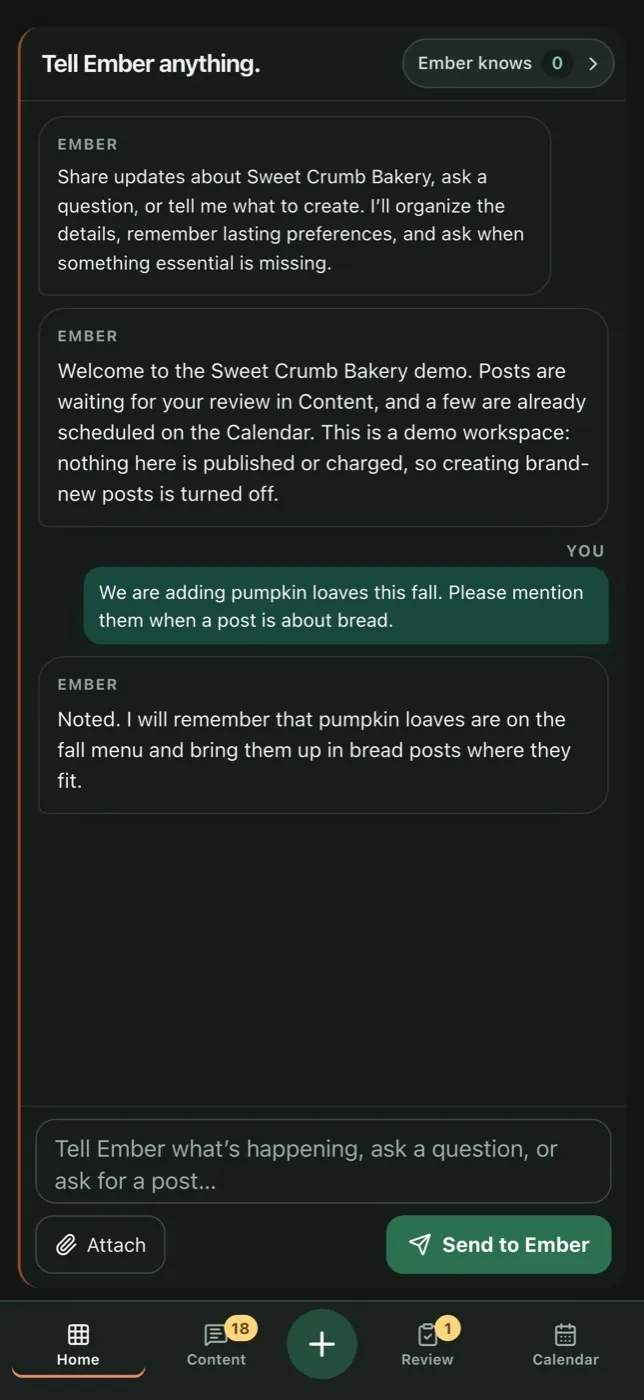
Use the chat on the home screen to share news in plain words, like a new menu item, an event or a change in hours. Ember remembers lasting details about your business for future posts.
Describe the post you want in a sentence, add photos from your phone, and Ember designs it in your brand for you to review.
Results show how each post performed on each channel, with plain notes on what to try next.
Get a notification when posts are ready for you, at most once a day, with the number waiting on the app icon. Ember also lets you know when a comment needs a person or a post could not publish. Choose which you get in Settings, Notifications.
Getting started
Create your account at www.embersocial.io. The 14-day trial is free and needs no credit card.
Guided setup connects your first sources, such as your website and photos, and captures your colors, fonts and voice.
Download Ember Social on the App Store or Google Play and sign in with the same account.
Your first posts wait in the app. Approve the ones you like and Ember schedules them on the channels you connect.
Yes. Ember Social is on the App Store for iPhone, listed as “Ember Social for Business”, and on Google Play for Android. Both apps are free to download. You create your account on the web first, then sign in to the app.
No. Ember Social accounts are set up on the web. Start your free trial at www.embersocial.io, then sign in to the app with the same account: email and password, Google or Apple.
No. The apps have no purchases and show no prices. Billing is managed on the web: sign in to Ember in a browser and open Settings, then Billing & usage.
Yes, if you allow them when the app asks. Ember lets you know when posts are ready for you to review (at most once a day), when a comment needs a person, when a post could not publish, and how setup is going. The app icon shows how many posts are waiting. You choose which notices you get in Settings, Notifications.
It is the same Ember account and the same posts. The app is made for the everyday work: approving, editing and checking what goes out. Setting up an account and billing happen on the web.
Your business has plenty to say
Start with your own photos and brand. Ember builds the posts; you approve them from your phone.
14 days free. No credit card required.
